Features

The client system,
end to end.

One platform covering the full customer lifecycle: Capture, Communicate, Organise, Champion, Reactivate. Every conversation in one inbox. Every customer in one record. Every review and referral on autopilot. Wired into the job system you already use.

  • 13Built-in modules
  • 1Login to remember
  • 8Native integrations

The thirteen modules laid out as a switchboard. Each cell lights up as an example event runs through it. Choose a cell to jump to that module.

Module board Running
  1. Fri 9:04 PMOffice closed.
  2. 01Capture
  3. 02Track
  4. 03Convert
  5. 04Catch
  6. 05Book
  7. 06Collect
  8. 07Earn
  9. 08Engage
  10. 09Refer
  11. 10Reactivate
  12. 11Post
  13. 12Measure
  14. 13Run
  15. Synced toServiceM8

What is inside

Thirteen modules. One system around the job.

Each one does something your job system was never built to do. Together they run the whole customer side of the business, from the first missed call to the twelve-month reminder.

01 / Capture

Every customer, on one record.

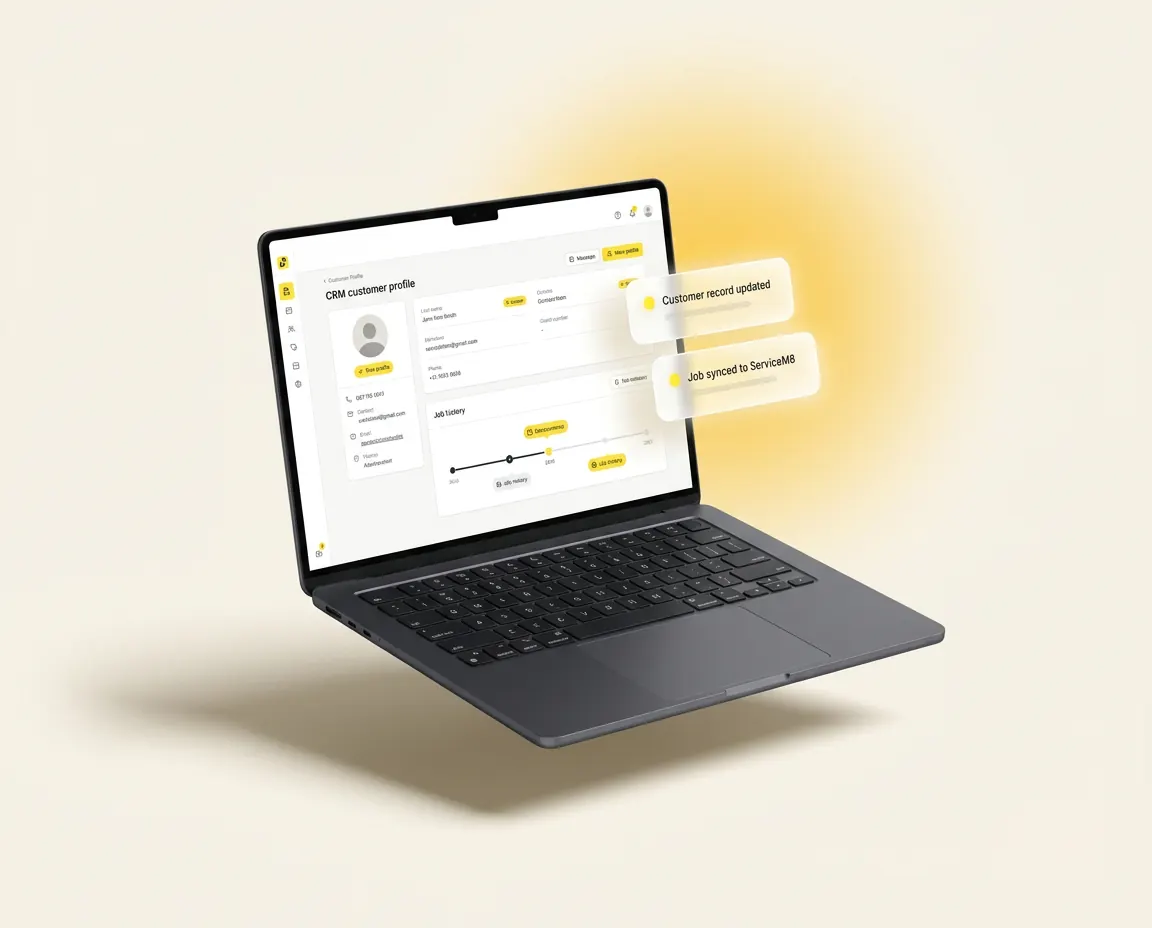
One screen for the lead, the chat history, the quote, the job, the invoice and the review. The office stops asking who is talking to that customer, and the field stops asking what we said last time.

  • Unified inbox: SMS, email, calls, Meta DMs and web chat, all on the customer card
  • Merged with your job software automatically. No double entry, no copy-paste
  • The whole team sees the same history in real time
One record · synced01 / 13
Laptop mockup of the customer card: one record holding the lead, chat history, quote, job and invoice, with a synced-record label
02 / Track

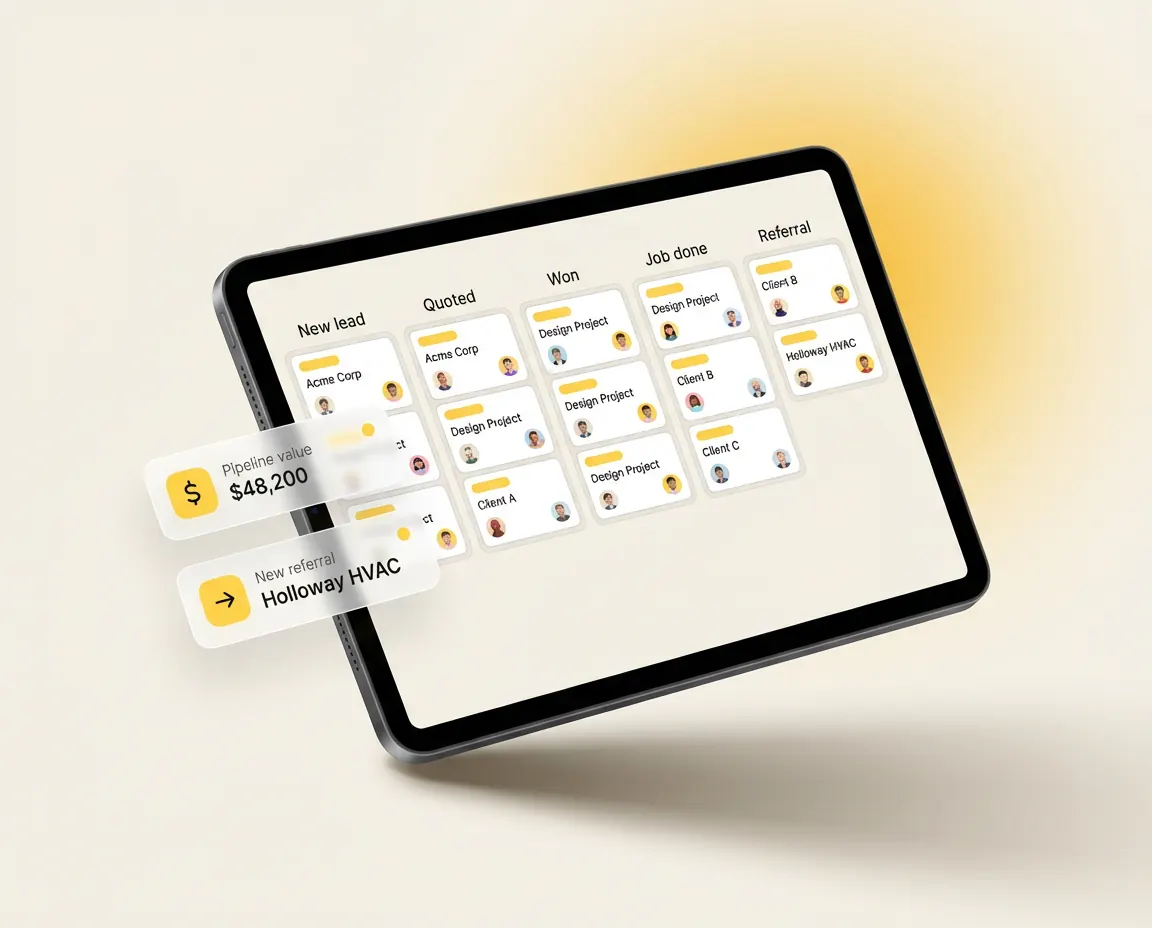
See every customer, lead to referral.

A pipeline that maps the whole customer journey, not just open jobs. Lead in, quote out, job booked, complete, paid, review, referral. Stages advance the second your job software moves them. No manual updates. No "I'll do it Friday."

  • Live stages synced from your job system in real time
  • Filter by trade, source, status or owner to find the right customer fast
  • Hot-list alerts when a quote sits too long or a regular goes quiet
Stage · auto-advanced02 / 13
Tablet mockup of the lifecycle pipeline board with Quoted, Won and Job done columns and a stage auto-advanced label
03 / Convert

Sequences that fire on real customer journey events.

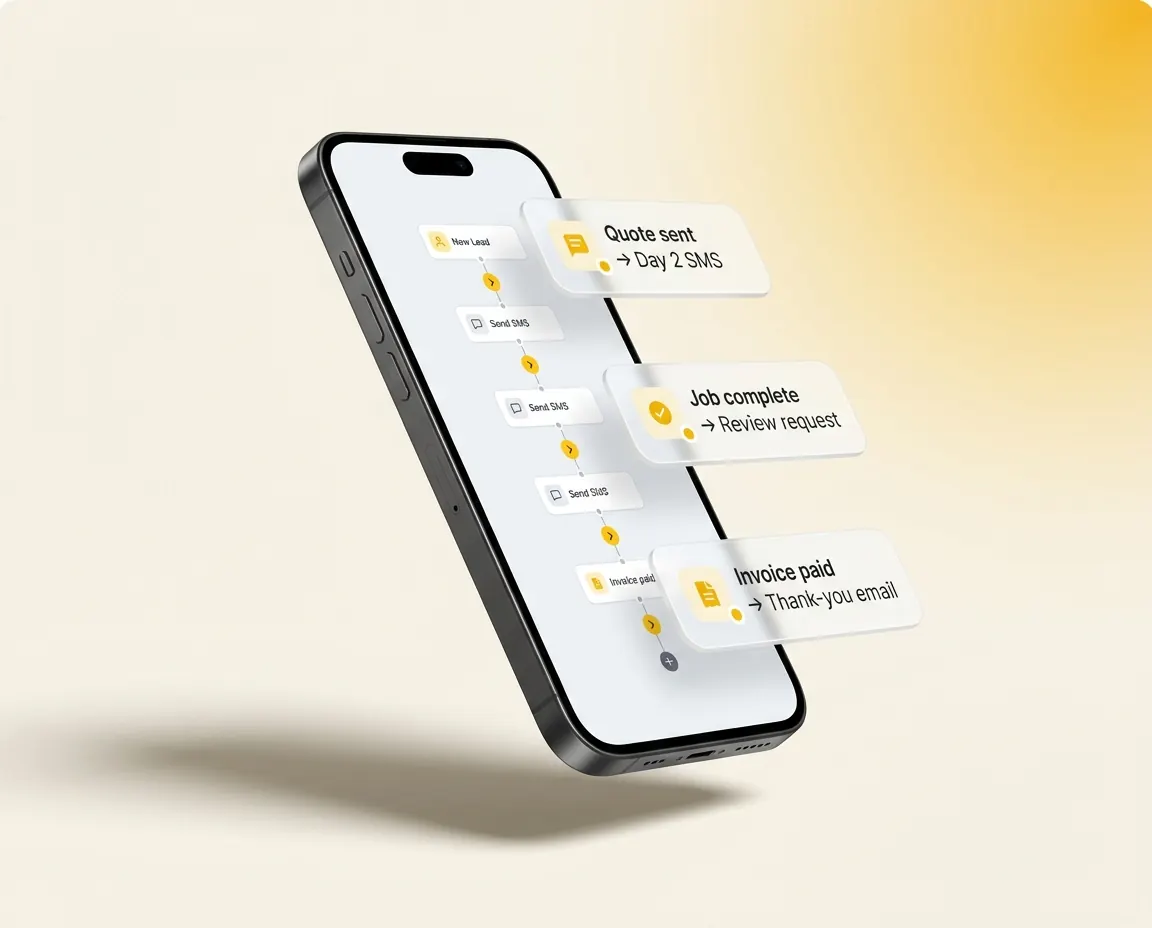
Lead arrives. Quote sent. Job booked. Job complete. Invoice paid. Review left. Every step in the journey has a moment, and the platform talks to the customer at exactly the right one. No arbitrary timers. No spam. No office to remember it.

  • SMS and email triggered by every step in the customer's journey
  • Pre-built sequences for chasing quotes, no-shows, reviews and payments
  • Australian-written templates that sound like a tradie, not a SaaS bot
Trigger · quote sent03 / 13
Phone mockup of an automation sequence: quote sent, job complete, review request and invoice paid steps
04 / Catch

Missed calls become booked jobs.

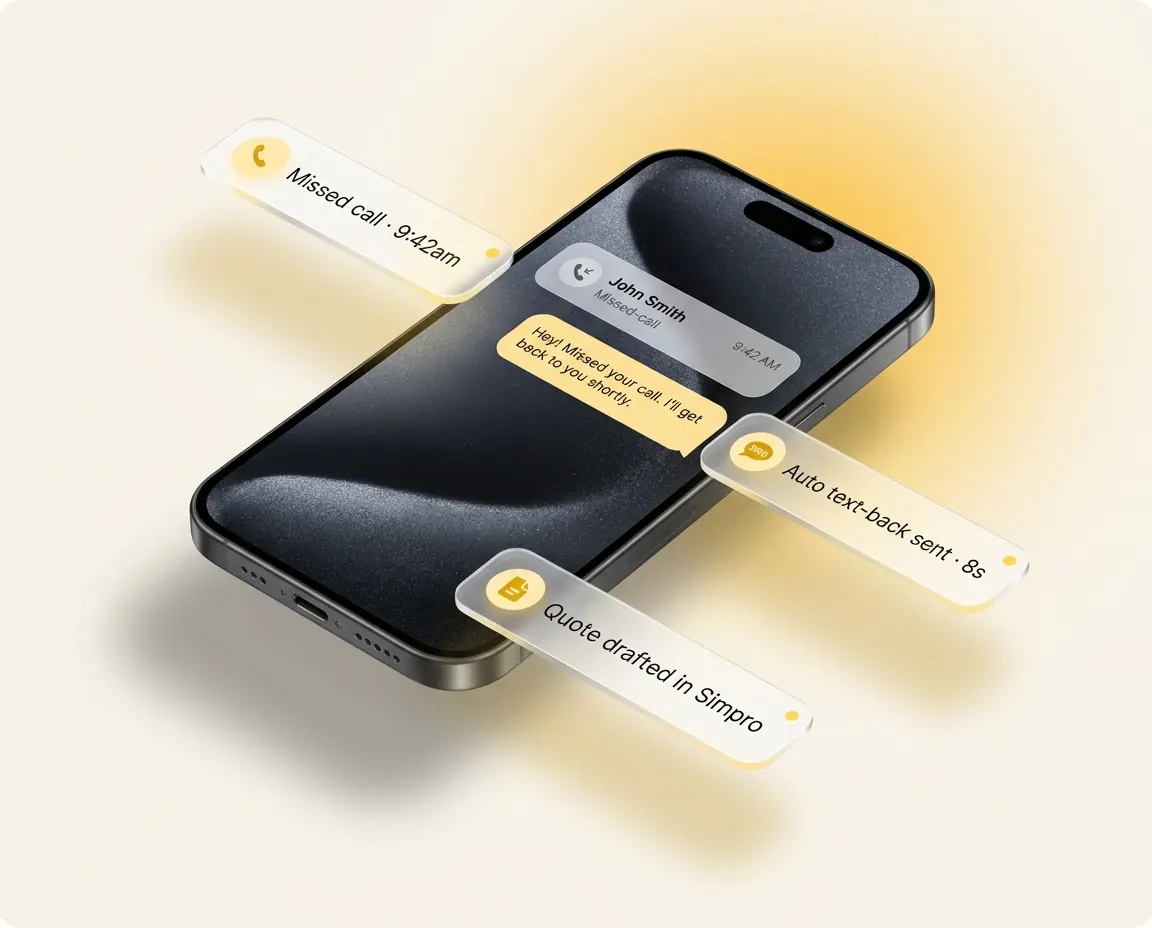
Every missed call gets an automatic text-back before the customer rings the next plumber on the list. Every ad gets a tracking number, so you finally see which campaign paid for the ute.

  • Missed-call text-back, so a lead never goes to the next bloke
  • Two-way SMS thread per customer, so the office never loses the thread
  • Per-source call tracking on every Google ad, lead form and flyer
Missed call · text-back sent04 / 13
Phone mockup of a missed call with the automatic text-back sent and the lead synced to the job system
05 / Book

Customers book themselves in.

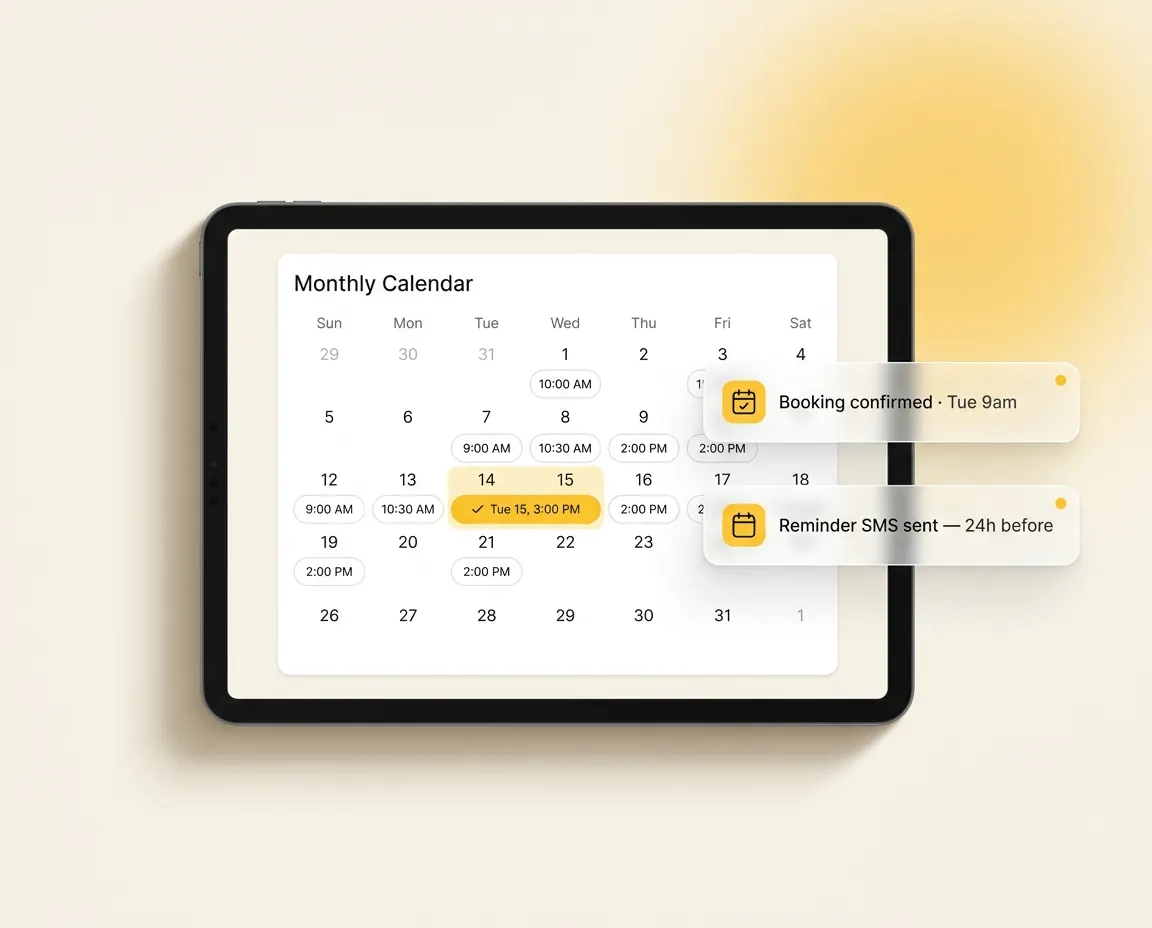
Online booking that respects your team's real schedule, and syncs the customer and the booking straight into your job software. The office stops playing phone tag. The customer gets a confirmation SMS and a reminder the day before.

  • Live availability: the same calendar your tech actually runs
  • Customer and booking synced into your job software the second they confirm
  • Reschedule and reminder SMS handled automatically, no admin needed
Booked · synced to job system05 / 13
Tablet mockup of the monthly booking calendar with a confirmed booking and a reminder SMS label
06 / Collect

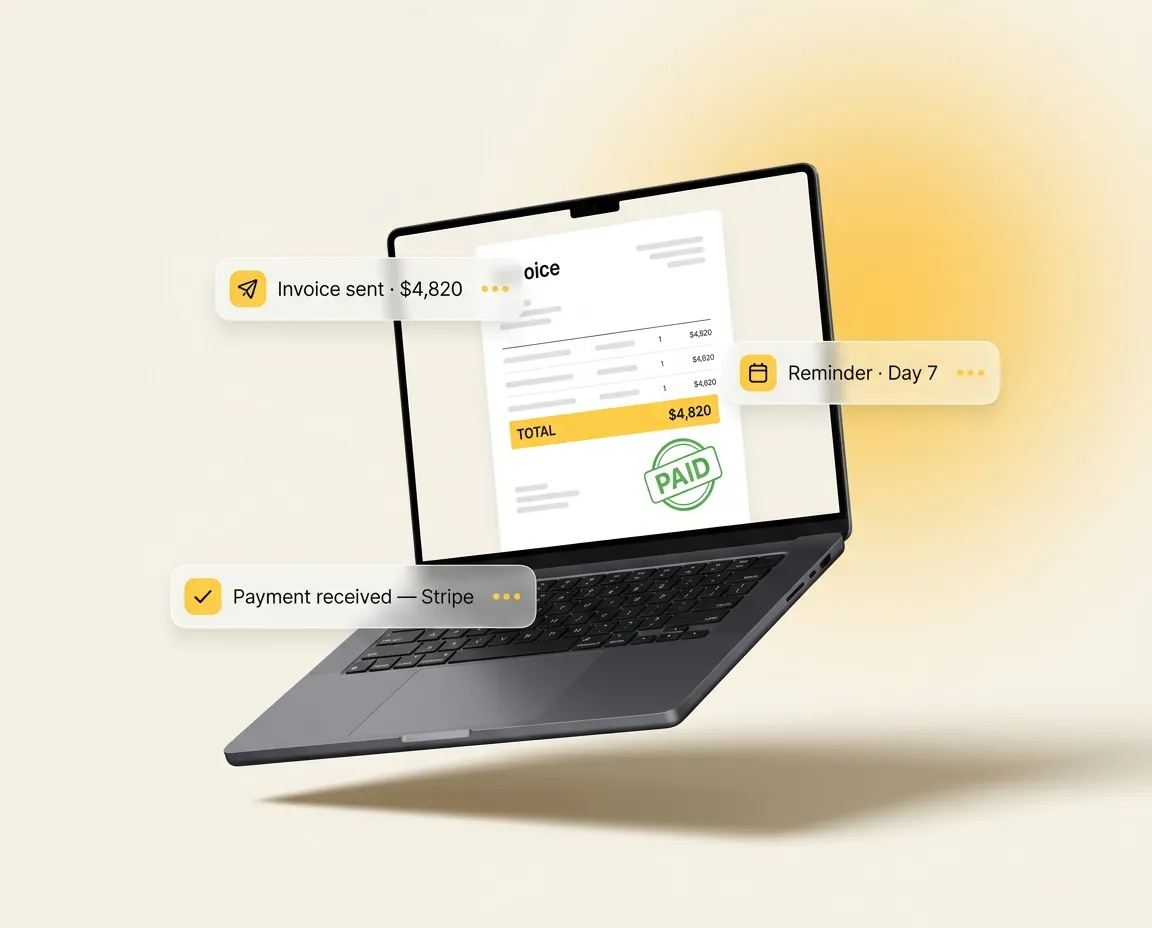
Payment chase, on the comms side.

Your job software raises the invoice. We chase the customer about it. Day 7 SMS. Day 14 email. Day 21 phone alert to the office. Receipt SMS the moment the payment clears. Cashflow stops slipping into next month without anyone in the office writing "just following up" emails.

  • Three-step automated chase sequence on every overdue invoice
  • Receipt SMS to the customer the second a payment lands
  • One-click pause when the customer is a mate or a known slow payer
Invoice paid · receipt sent06 / 13
Laptop mockup of an invoice marked paid, with the day-7 reminder and payment-received labels
07 / Earn

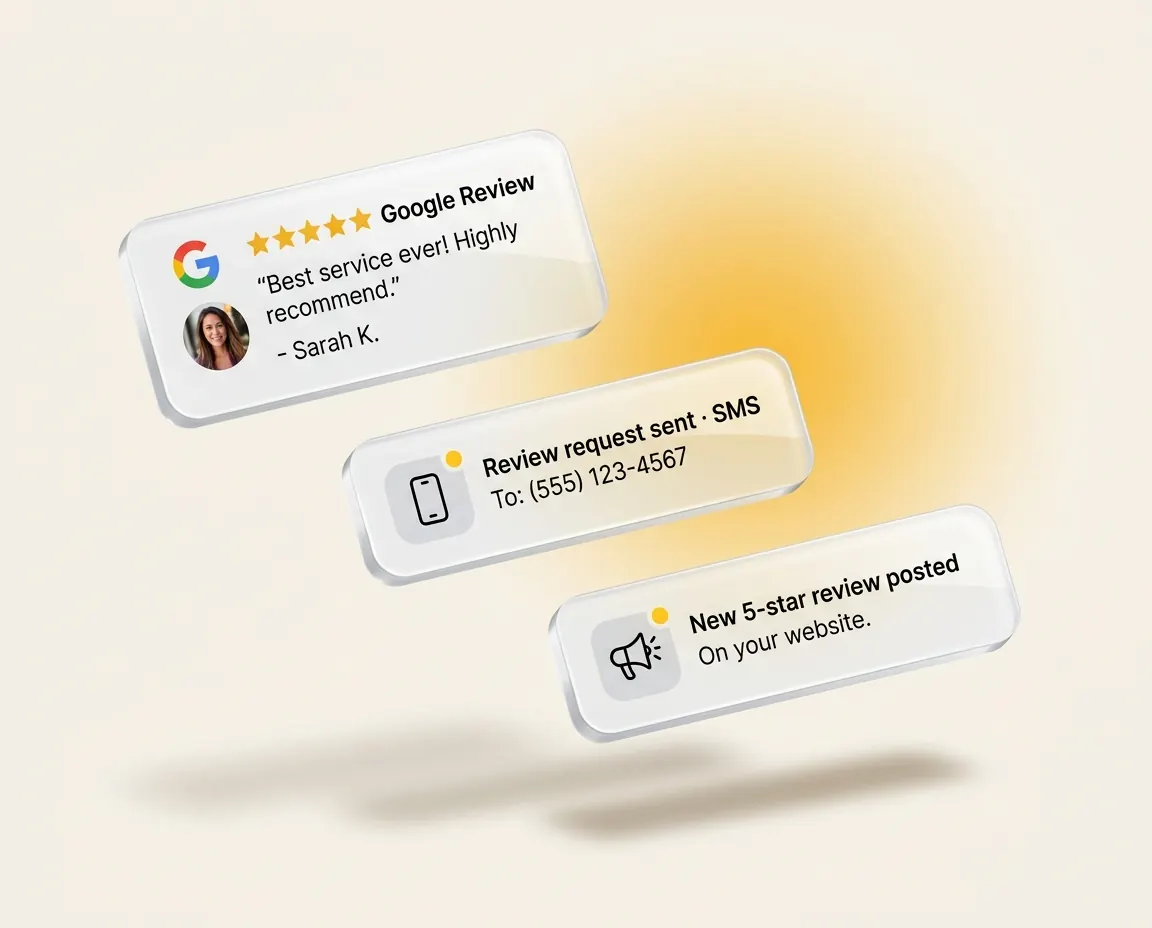
Five-star reviews, on autopilot.

The minute a job hits complete, a review request fires by SMS, with email as backup. Every reply, every star, monitored from one inbox. Unhappy customers get caught before they land on Google. Happy ones get amplified.

  • Automatic Google review requests: SMS first, email backup
  • Pre-screen unhappy customers before they leave a public review
  • Reply to Google and Facebook reviews from inside the platform
Job complete · review request sent07 / 13
Mockup of a review request sent by SMS and a new five-star Google review posted
08 / Engage

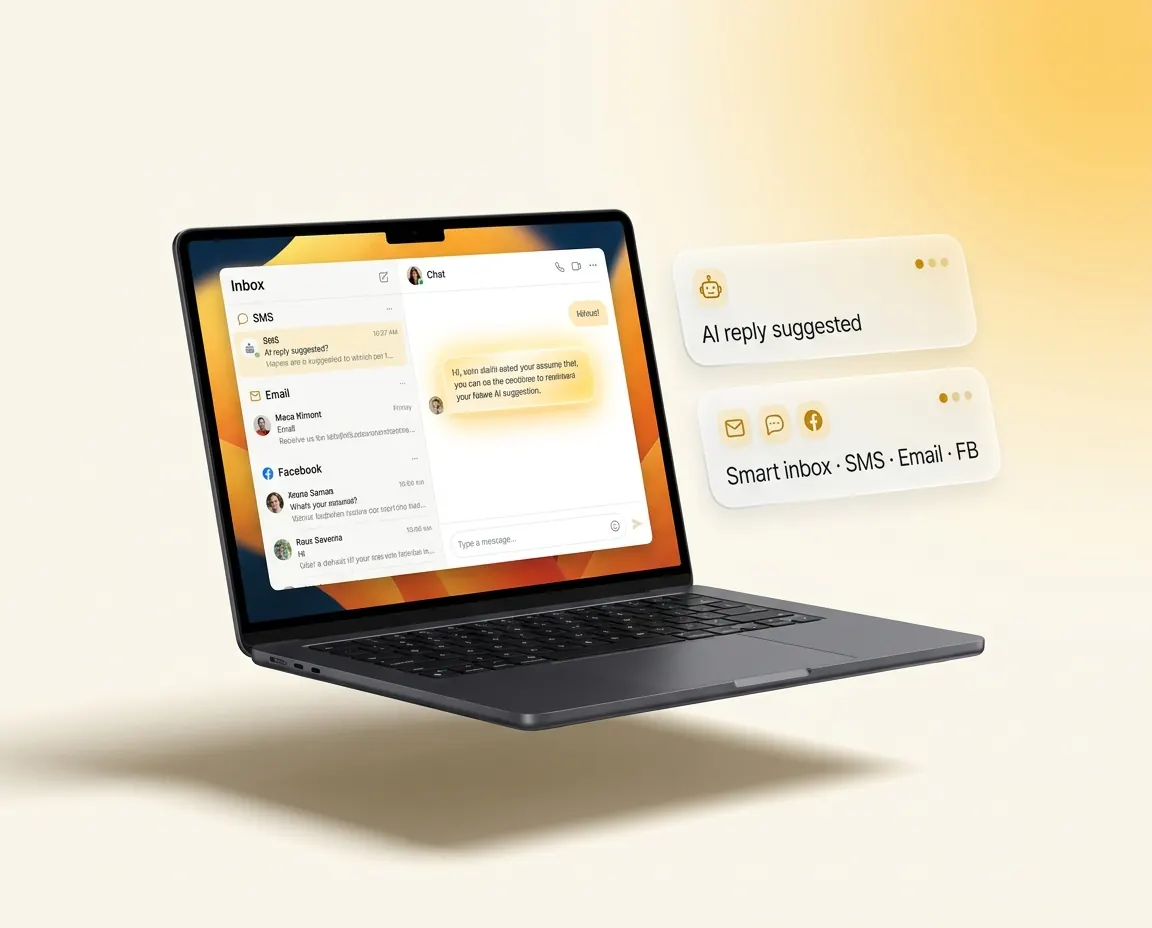
Every conversation in one inbox, with AI.

Google, Facebook, web chat, SMS and email. Every customer message lands in the same inbox. AI drafts the reply in your tone, summarises long threads in a sentence and flags the hot leads. The office answers from one screen instead of five tabs.

  • AI reply drafts in your brand voice, ready to send or edit
  • Auto-summary on every long thread, so nobody reads thirty messages to catch up
  • All channels routed into one shared team inbox with SLA timers
AI draft · ready to send08 / 13
Laptop mockup of the shared inbox with an AI-suggested reply and SMS, email and Facebook messages in one thread
09 / Refer

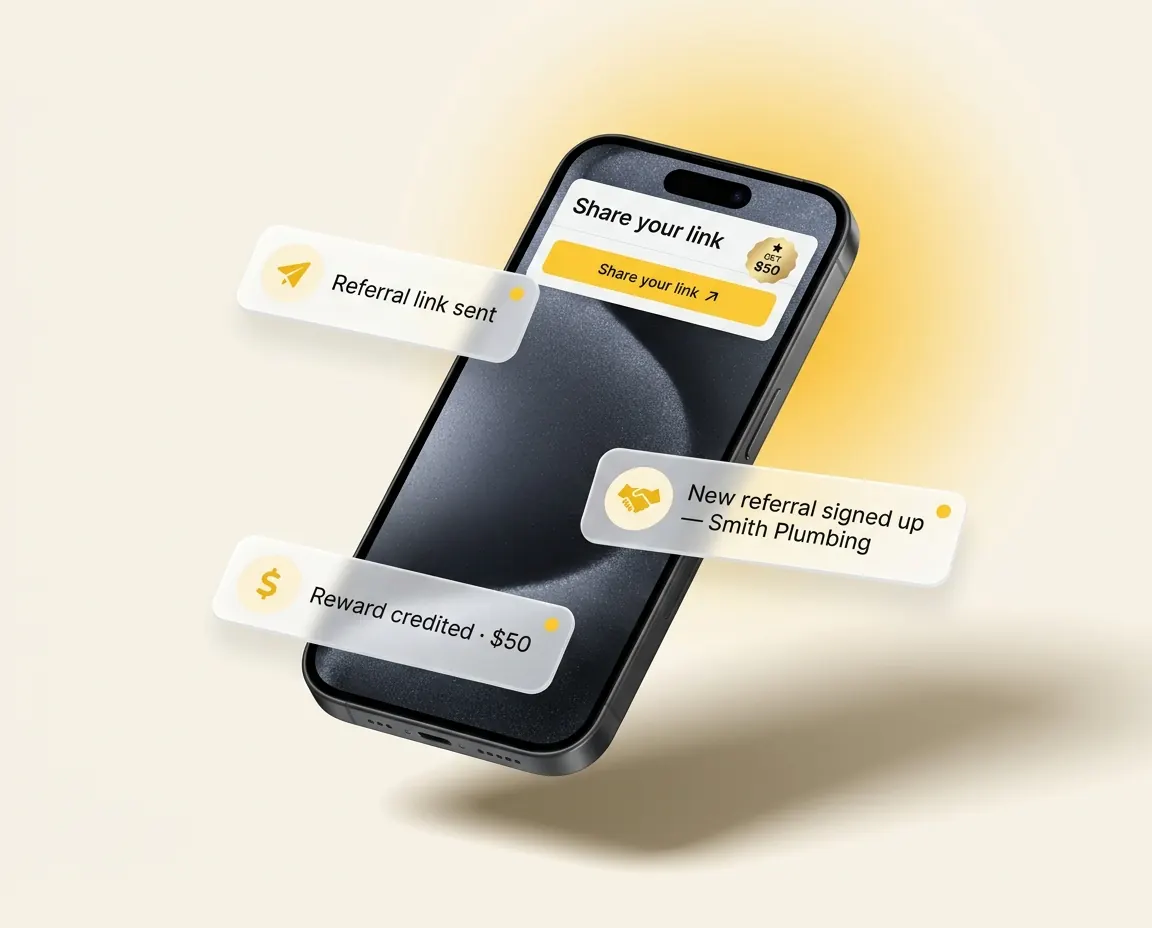
Past customers become your sales team.

A week after every job complete, a referral SMS goes out with a tracked link the customer can forward to a mate. Every successful referral is logged against the original customer. Loyalty nurture keeps you front of mind. Annual maintenance reminders pre-book the next visit.

  • Automatic referral SMS a week after job complete
  • Trackable referral links: know exactly who sent who, and reward them
  • Annual service reminders queued 12 months out
  • Loyalty and win-back nurture for customers who have gone quiet
Referral invite · day 709 / 13
Phone mockup of a referral link being shared, a new referral signed up and the reward credited
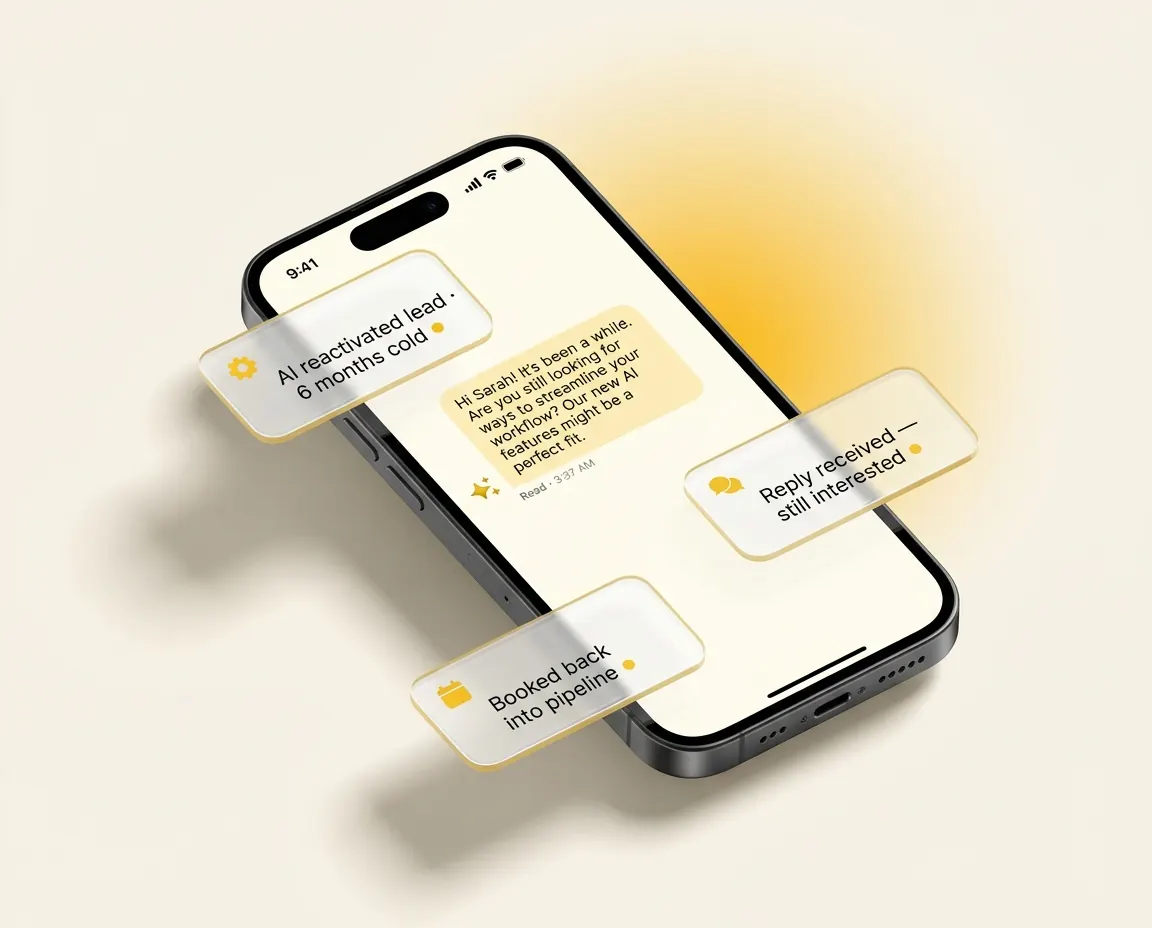
10 / Reactivate

AI wakes up your dead leads.

Every old enquiry, every ghosted quote, every no-show in your database, sitting there worth nothing. An AI agent works through them in the background, opens a real SMS conversation, qualifies who is still in market and books them in.

  • AI agent re-engages cold leads with personalised SMS, not a blast
  • Replies handled automatically: it books, qualifies and escalates only when needed
  • Hands to a human the moment the conversation needs one
Cold lead · re-engaged10 / 13
Two phone mockups of an AI conversation re-engaging a cold lead who replies and gets booked in
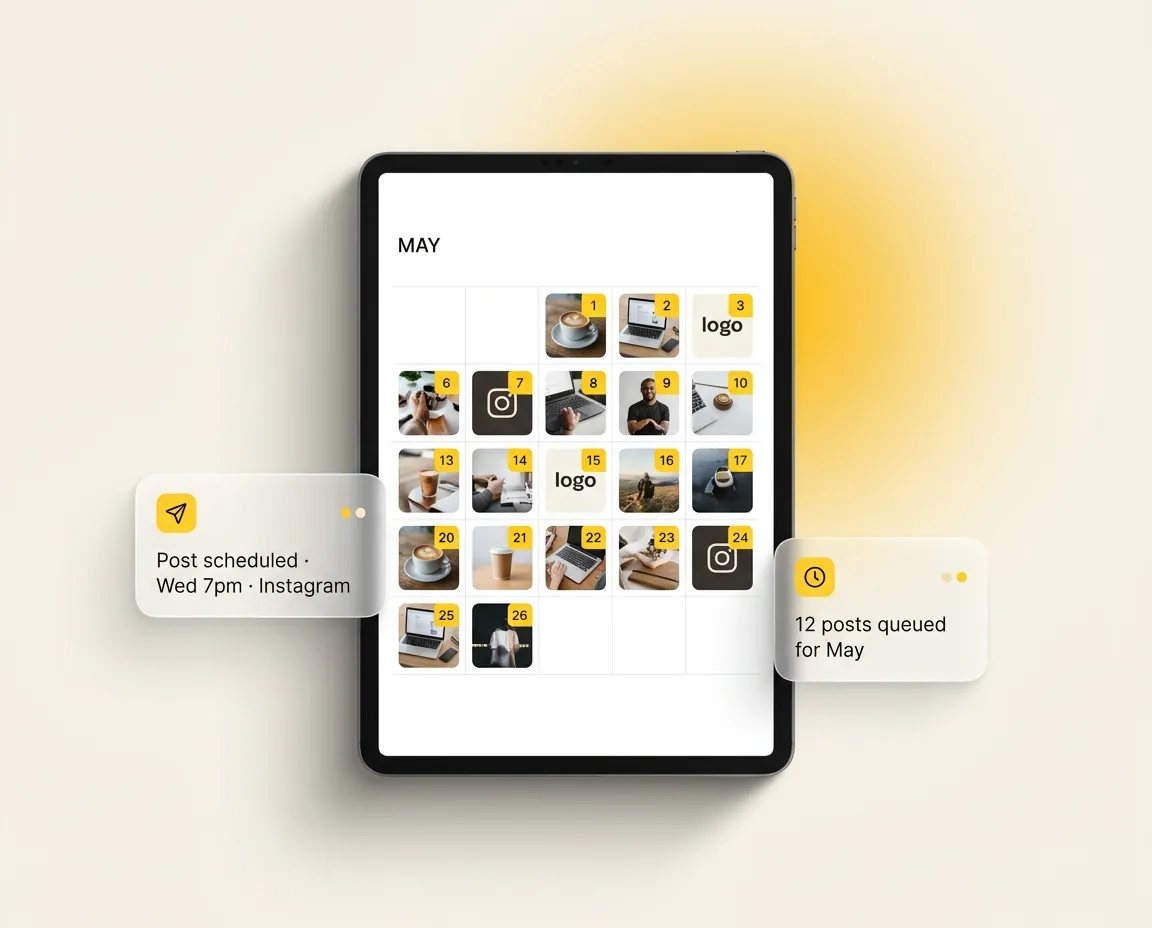
11 / Post

Plan a month of social in one sitting.

Drop a month of posts into one calendar for Facebook, Instagram, Google Business and LinkedIn, schedule weeks ahead and forget about it. AI suggests post ideas from your job photos and reviews. The office stops scrambling for what to post today.

  • Schedule weeks of content across every channel from one calendar
  • AI post ideas pulled from your job photos, reviews and FAQs
  • Approval workflow: the team drafts, the owner approves with a tap
Scheduled · four channels11 / 13
Tablet mockup of the social planner: a month grid of post thumbnails with a scheduled post and a queued-posts label
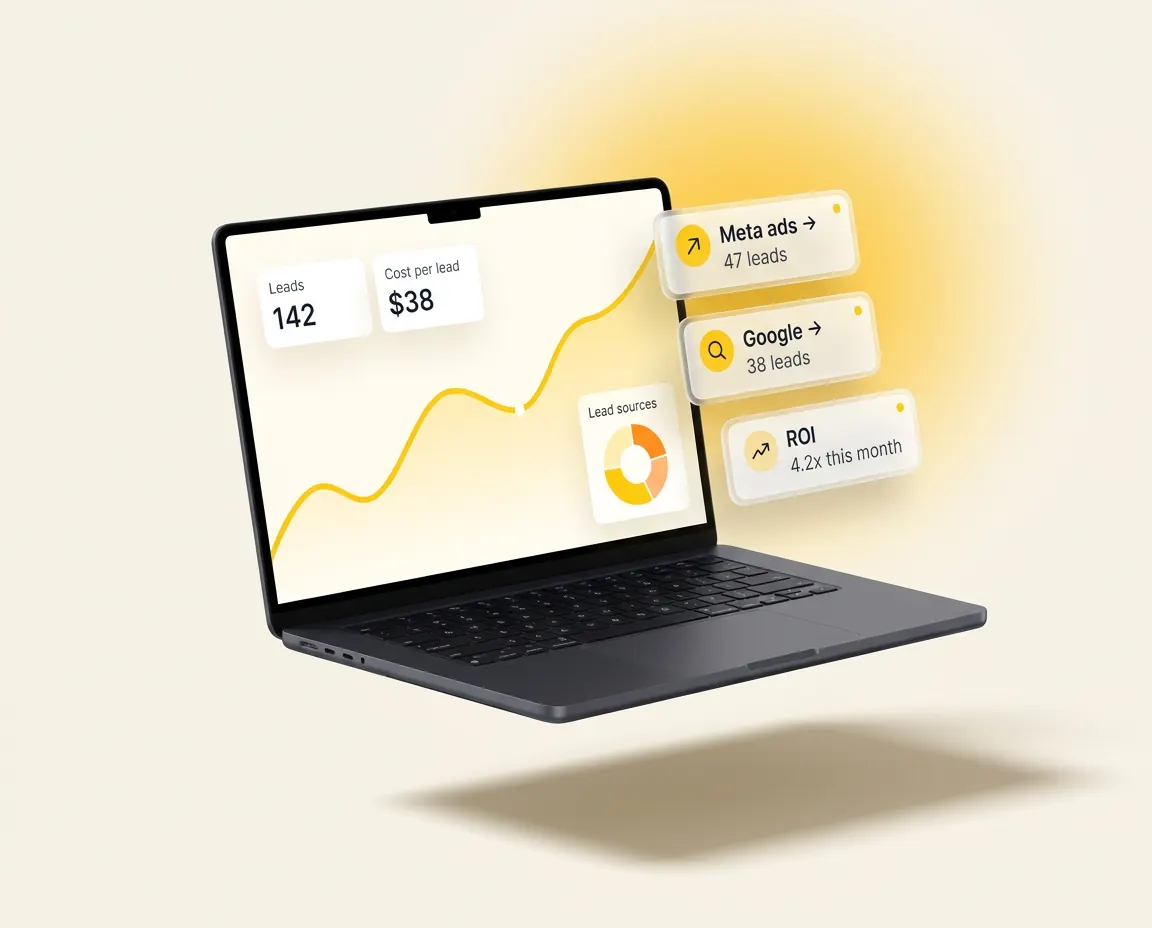
12 / Measure

See where every lead and dollar comes from.

Every enquiry tagged to its source. Every quote and won job traced back to the campaign that started it. Stop guessing whether the Google ads are working. See the leads, the conversions and the revenue tied to each one.

  • Source attribution from first click to booked job
  • Conversion rates across every step: call, quote, won, paid
  • Live revenue and lead dashboard the office can pull up any time
Source · Google Ads12 / 13
Laptop mockup of the reporting dashboard: lead count, cost per lead and a trend line with Meta and Google source cards
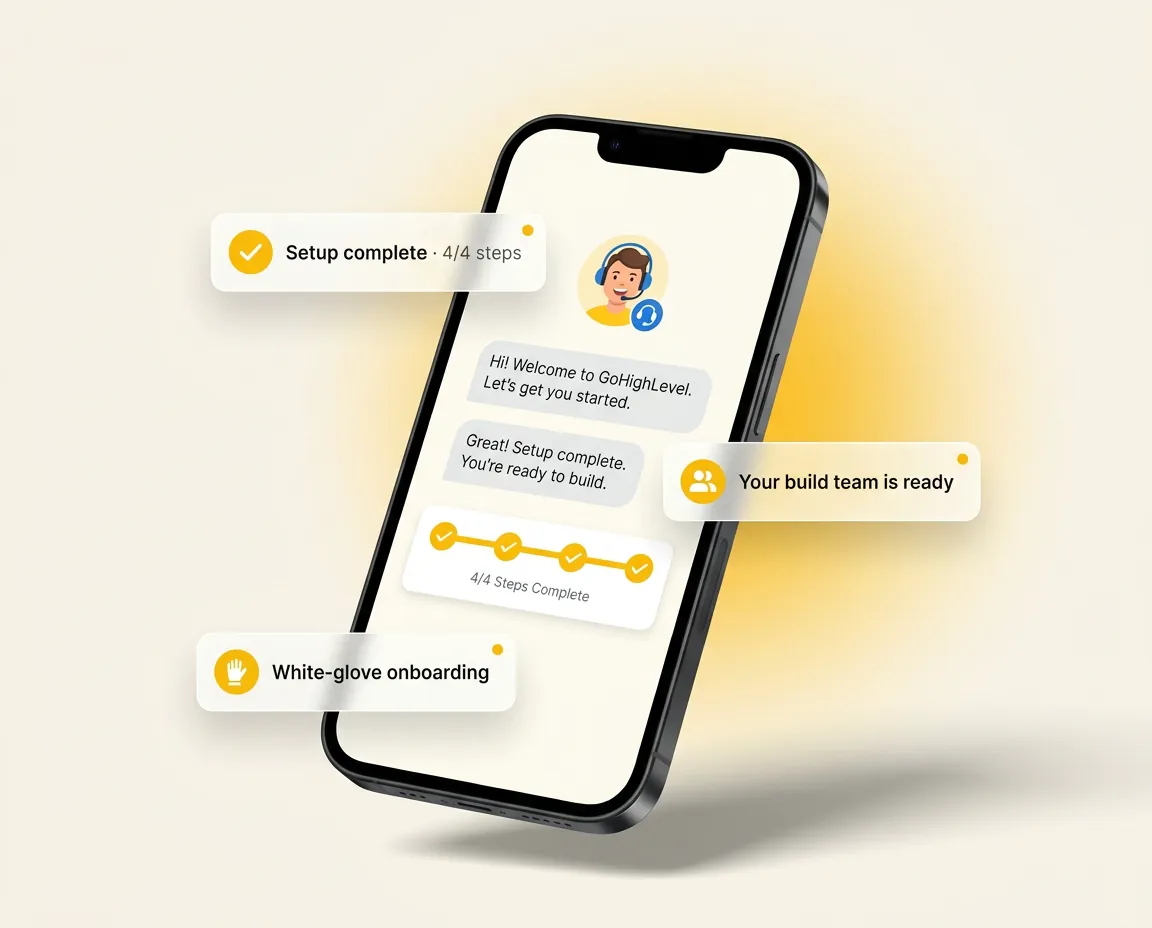
13 / Run

We build it. You just use it.

Our Australian team wires the workflows, connects your stack, trains your office and stays on as ongoing support. You don't learn the platform. You don't maintain it. You just turn up to an inbox full of jobs.

  • Australian onboarding team builds the integrations and maps the workflows to how you run jobs
  • Workflows built for your trade, not a generic template
  • Ongoing support after go-live
  • Most setups live within 14 days
Most setups live within 14 days13 / 13
Phone mockup of onboarding: setup complete, your build team is ready, and a welcome message from the Australian team

Plus the integrations

All of this, wired into your real stack.

Every module here connects natively to ServiceM8, Simpro, AroFlo, Fergus, WorkflowMax, Ascora, Xero and Pylon. The platform isn't an island. It's the layer that makes your stack work as one. No Zapier, and your techs keep the app they use today.

  • ServiceM8
  • Simpro
  • AroFlo
  • Fergus
  • WorkflowMax
  • Ascora
  • Xero
  • Pylon

FAQ

Questions tradies actually ask.

The short answers about the platform itself. The 30-minute demo gives you the long ones.

Do I need to replace my job management software?

No. Tradie Office Pro sits between your job management system and your customers, automating everything in between. Keep using ServiceM8, Simpro, AroFlo, Fergus, WorkflowMax or Ascora as you do today.

How long does it take to go live?

Most setups are live within 14 days. Our Australian team handles the integrations, the workflows and the data migration. You don't have to set anything up.

Will my office team need training?

Less than you'd think. The platform is built to disappear into the background of the day-to-day. We run a short onboarding with your office, then stay on as ongoing support.

What if a feature doesn't fit my business?

Every workflow we build is mapped to how you actually run jobs. We don't drop a generic template on you. We sit down, map your real customer journey, then wire it up.

What happens if something breaks?

Our Australian team stays on as ongoing support after go-live. If an integration drops, we fix it. You stay in control of the connection and can revoke it any time.

Can I see it before I commit?

Yes. The 30-minute demo is a real walkthrough, no pitch deck. We'll show you the platform wired into your real stack.

Built for Australian tradies.

Join Australian trade businesses who've stopped working weekends. 30-minute walkthrough. No pitch deck. We'll show you the platform wired into your real stack.