





The client system for Australian trades

The client system
your job system is missing.

Every trade business has a job system. None of them have a client system. Tradie Office Pro is the one source of truth for every lead, customer conversation, follow-up, Google review and referred mate. It sits around the job system you already run, and it never clocks off.

Native integrations with
  • ServiceM8
  • Simpro
  • AroFlo
  • Fergus
  • WorkflowMax
  • Ascora
  • Xero
  • Pylon

Example of a Friday night enquiry handled automatically: a missed call at 9:04pm gets an SMS reply, the customer replies, a ServiceM8 record is created and a site visit is booked before the office opens.

  • Plumbing
  • Electrical
  • Gas fitting
  • HVAC & refrigeration
  • Solar & renewables
  • Battery & energy storage
  • Fire protection & compliance
  • Building & construction
  • Renovations & extensions
  • Carpentry & joinery
  • Roofing & gutters
  • Painting & decorating
  • Tiling & waterproofing
  • Concreting & paving
  • Glazing & windows
  • Flooring
  • Locksmithing
  • Pest control
  • Cleaning & facilities
  • Landscaping & gardening
  • Pool & spa services
  • Tree services & arborist
  • Drainage & excavation
  • Demolition & site clearing
  • Fencing & decking
  • Scaffolding & access
  • Earthworks & civil
  • Multi-trade & handyman
Three tradespeople in hi-vis on a residential building site at dawn, one holding a tablet
Built for Australian trades. Every single one.

If your team’s on the tools, we’re built for you.

What the job system leaves on the table

Three things your job system wasn’t built to do.

Job software runs jobs, brilliantly. What it doesn’t do is follow up the lead that’s gone quiet, ask for a Google review the second a job’s done, or send the referral invite that turns one customer into three. That’s where we sit.

01

Win every enquiry.

Meta lead forms, missed calls, website enquiries and Google bookings all land in one inbox, with auto-responses going straight back out. Then the customer record syncs into your job software. No copy-paste. No “did anyone book that one?”

  • Auto SMS and email replies on every channel, day or night
  • Every lead source-tagged the moment it arrives
  • Customer record synced into your job software, automatically
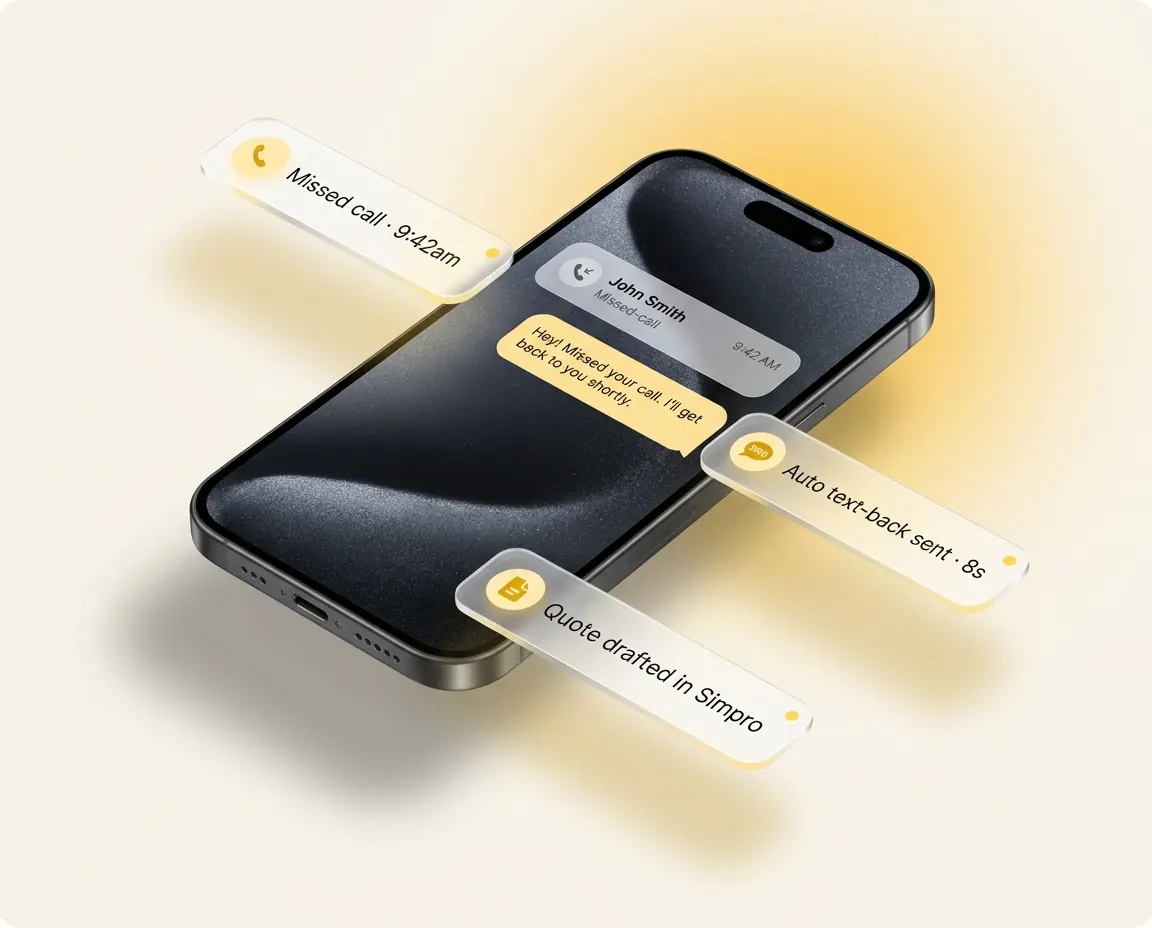
Phone mockup showing a missed call turned into an automatic SMS reply and a synced customer record
02

Every conversation. Every client. One place.

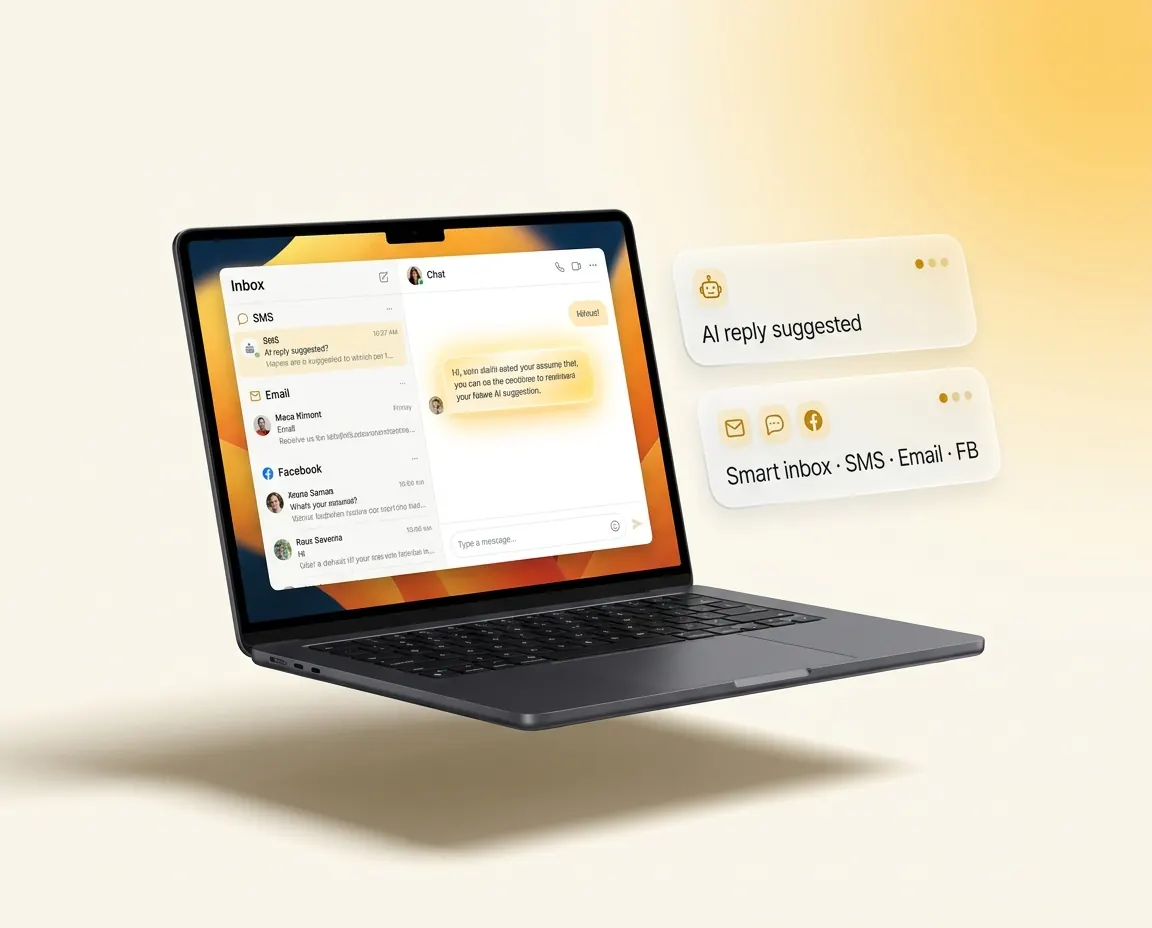
Every text, every email, every follow-up, every “on the way” SMS. The whole conversation lives in one client thread across every job they’ll ever have with you, so you’ve got the receipts when they ring back six months later.

  • One client thread: every message, booking and job in one record
  • Automated SMS and email follow-ups across the whole journey
  • Real-time alerts the moment something stalls or needs a human
Laptop mockup showing a single customer conversation thread with SMS and email in one place
03

Job done. Review left. Mate referred.

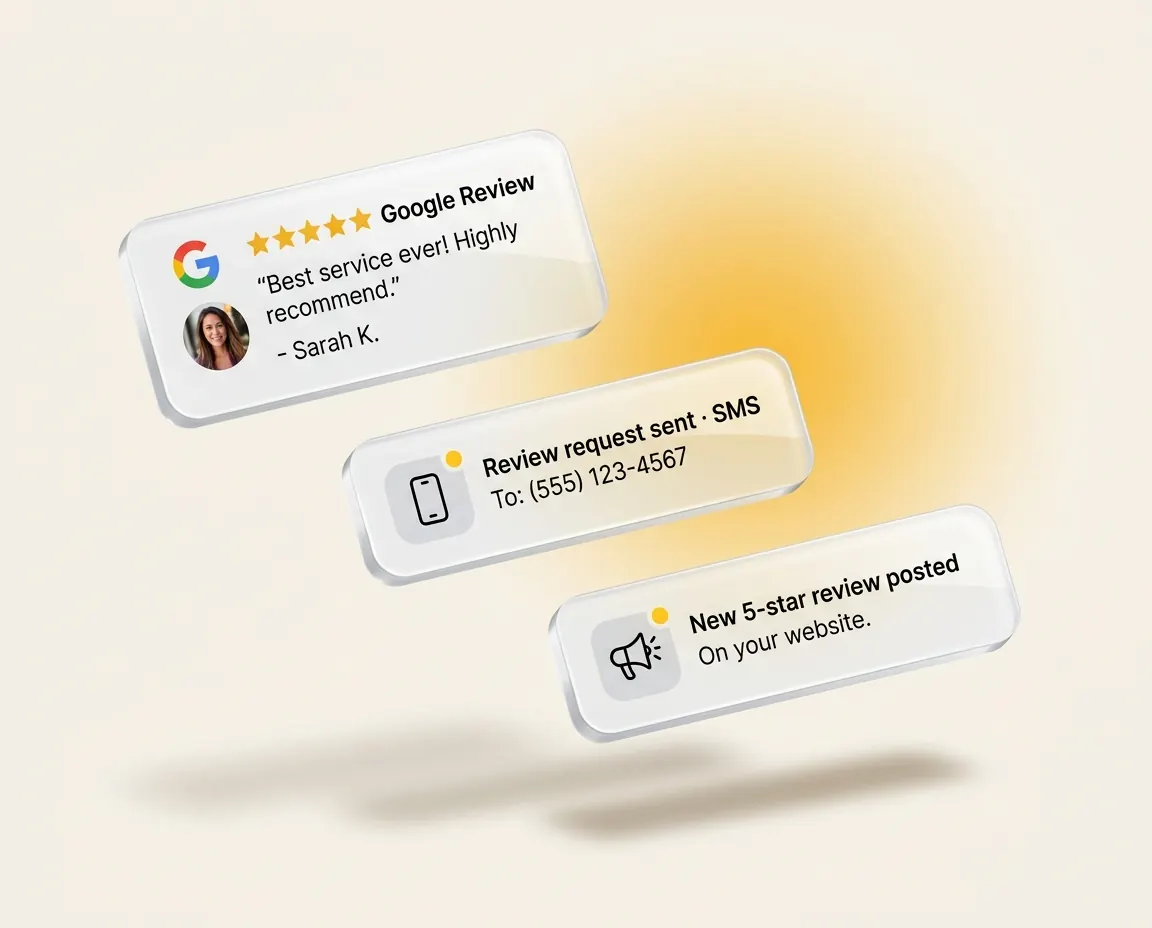
The second your tech marks a job complete in the field, the Google review request fires, the referral invite is queued, and the customer drops into your 12-month maintenance reminder cycle. The office doesn’t lift a finger.

  • Google review request the minute a job hits complete
  • Referral invite with an incentive sent a week later
  • Annual maintenance reminder queued 12 months out
Mockup of an automatic Google review request and a new five-star review notification

The customer lifecycle

Five phases. Every customer, every touchpoint, on autopilot.

Most CRMs stop at lead capture. Most job systems start at the booking. Tradie Office Pro covers the customer lifecycle around them, from the first enquiry through to a 12-month maintenance reminder. Your job system runs the work in the middle. We’ve got everything around it.

Lifecycle ring with five phases around your job system 01 02 03 04 05 CAPTURE COMMUNICATE ORGANISE CHAMPION REACTIVATE YOUR JOB SYSTEM ServiceM8 RUNS THE WORK
  1. Phase 01

    Capture

    Every lead, every channel, caught and attributed.

    Meta forms, missed calls, website enquiries, Google bookings, web chat and walk-ins all land in one place, source-tagged the moment they arrive, with an auto-response going straight back out. Even at 9pm on a Friday night.

  2. Phase 02

    Communicate

    One thread, every channel, until they book.

    SMS, email, web chat, Messenger and missed-call replies all live in one client thread. Sequenced nurture campaigns keep the conversation moving until the customer books a site visit. Toolbelt AI can handle inbound on its own when no one’s at a desk.

  3. Phase 03

    Organise

    Pipelines your team can finally trust.

    Visual pipelines for leads, bookings and post-job follow-ups. Every interaction tagged, logged and searchable across every job a customer ever has with you. The single source of truth your team can finally trust.

  4. Phase 04

    Champion

    Reviews and referrals, on autopilot.

    Google review request fires the moment a job is marked complete. Referral invite with an incentive sent a week later. Social proof captured against the client record. One happy job can become three reviews and two referrals.

  5. Phase 05

    Reactivate

    Every past customer is one booking away.

    Annual maintenance reminders queued 12 months out. Seasonal nurture campaigns to keep you top of mind. Win-back automations for customers who’ve gone quiet. Every customer you’ve ever worked for is one more booking away.

Integrations

Plugged into the job system you already use.

Tradie Office Pro sits alongside your job system, handling every customer conversation around the work itself. Native two-way sync with ServiceM8, Simpro, AroFlo, Fergus and the rest. No Zapier. Your techs keep the app they use today.

Tradie Office Pro
  • ServiceM8
  • Simpro
  • AroFlo
  • Fergus
  • WorkflowMax
  • Ascora
  • Xero
  • Pylon
  • Native API, not Zapier. Read-and-write access scoped to what you authorise. Revoke it any time.
  • Techs change nothing. Field staff keep using the job app they use today. We listen and trigger the office workflows.
  • Most setups live within 14 days. Our Australian team builds the integration and maps the workflows to how you actually run jobs, then trains your office.

Product surfaces

Two more things that live inside your Tradie Office Pro.

Toolbelt AI

The sales rep that never sleeps.

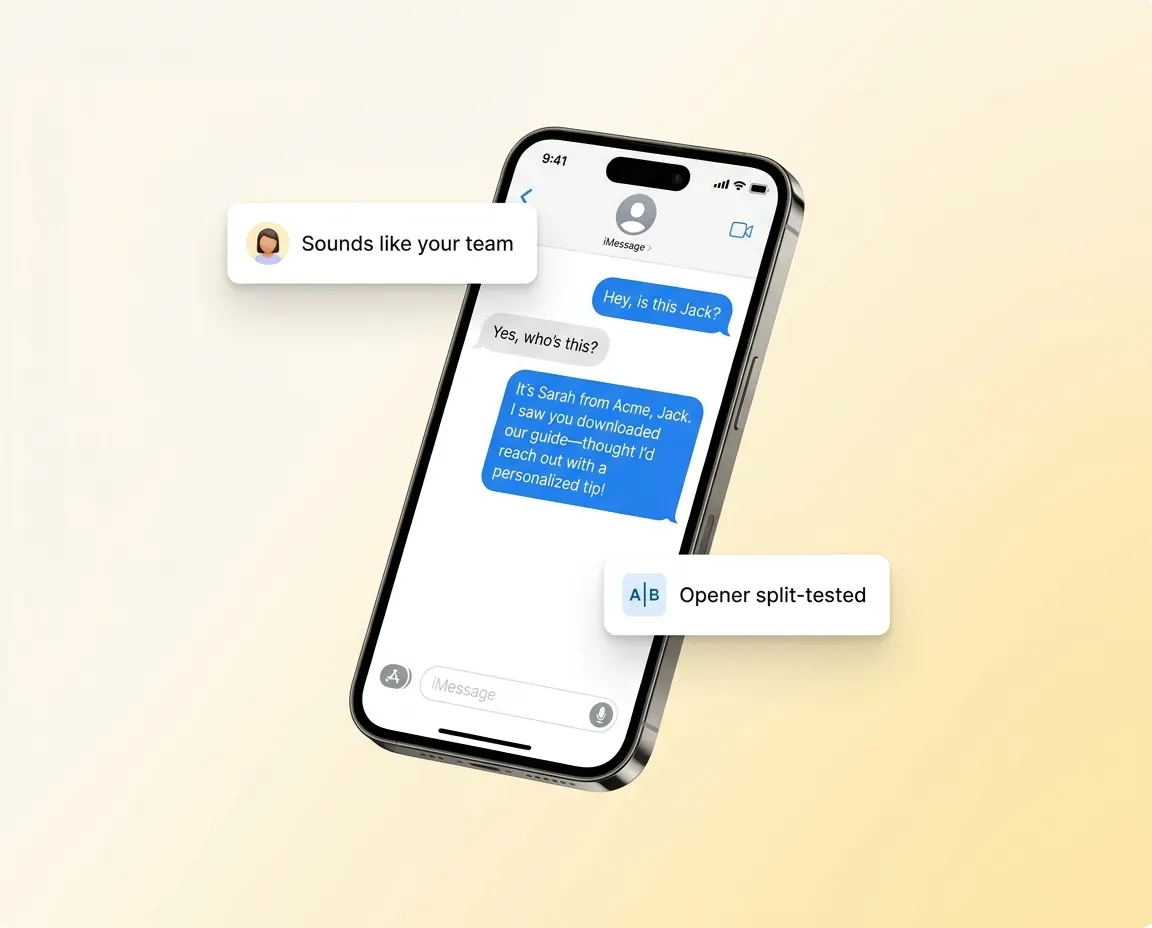
Proven plays, ready to go live today. It books the job, sends the link, or tees up a callback. Sounds like one of your team, not a bot. A gentle nudge, then it backs off, and it knows when to hand over to a human.

See Toolbelt AI
Phone mockup of Toolbelt AI replying to a customer in the tone of a team member
Referrals

Word-of-mouth, finally trackable.

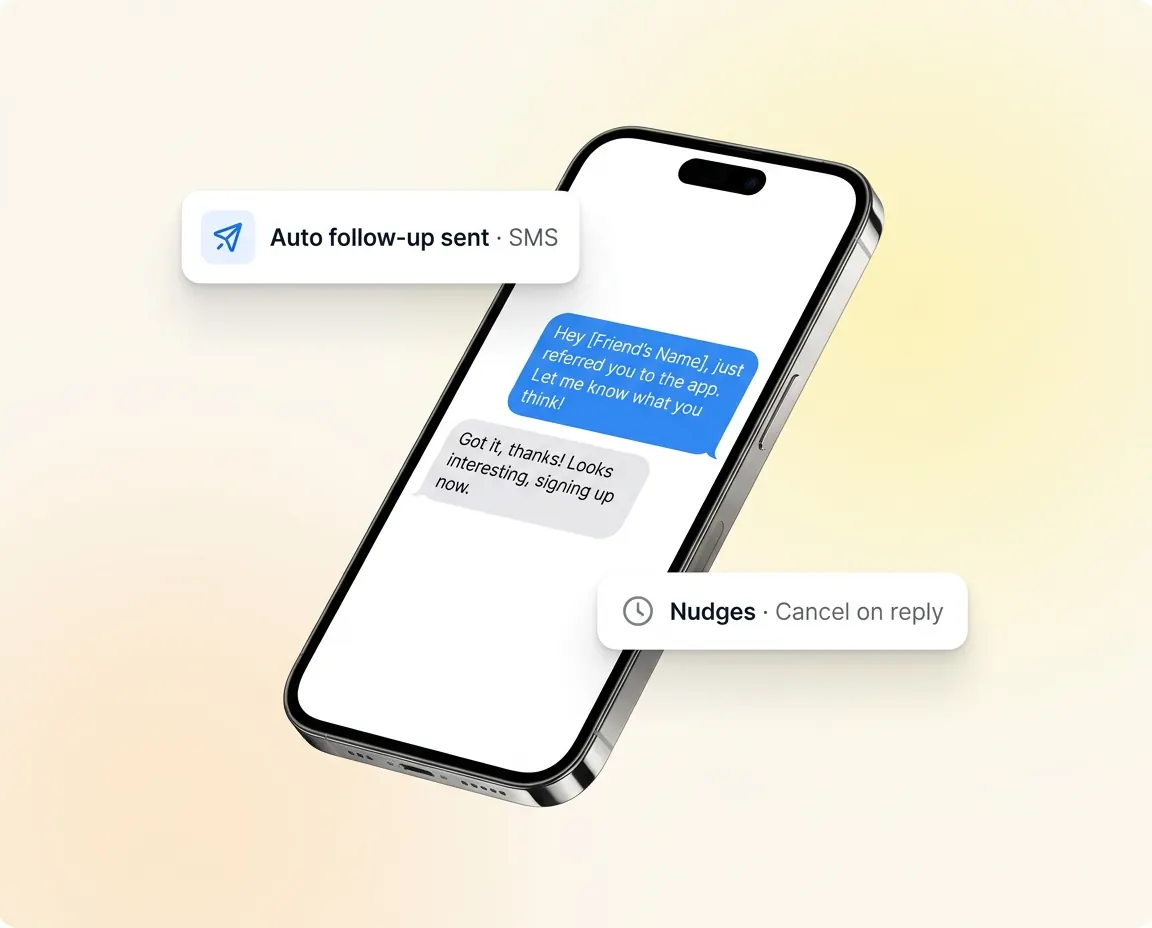
Every happy customer gets their own link. Pages that look like your business, not a widget. Follow-ups that happen for you, rewards sent on autopilot, and you decide when a referral counts.

See Referrals
Phone mockup of an automatic referral invite and follow-up being sent
A trade-business office at night, lights off, one phone lighting up on the desk
9pm Friday. Office closed. Enquiry answered.

What actually changes

What actually changes when the admin stops.

Same ute. Same tools. Half the office hours. The job system still runs the job. The client system runs everything around it, and your office stops being the bottleneck.

  • SetupWe build the integrations, map the workflows to how you run jobs, migrate your customers, open jobs and pipeline stages, and train your office. You don’t need a tech person internally.
  • FieldTechs keep ServiceM8, Simpro, AroFlo, whatever they use today. The platform is the office’s tool, not the field’s.
  • SupportOur Australian team stays on as ongoing support after go-live.
  • CostDepends on team size and which integrations you need. Most established trade businesses pay less than the disconnected stack of CRM, automation, review tool and booking app combined. We quote on the call.

Powering trade businesses across Australia

  • Premier Box
  • Thomas Electrical and Solar
  • Tozer Air

FAQ

Questions tradies actually ask.

Everything you need to know before getting started.

How does it actually connect to ServiceM8 / Simpro / AroFlo?

Native API integrations, not Zapier. We connect directly to your job software with read-and-write access scoped to what you authorise. You stay in control of the connection, and you can revoke it any time. Most setups are live within 14 days.

Do my techs need to learn a new app?

No. Field techs keep using ServiceM8, Simpro, AroFlo, whatever they use today. Tradie Office Pro listens to what they do and triggers the office workflows automatically. The platform is the office’s tool, not the field’s.

What about my existing data: contacts, jobs, history?

We migrate it cleanly during onboarding. Existing customers, open jobs and pipeline stages are imported so you don’t lose history or have to start the team on a blank account.

How much hand-holding do we get on setup?

All of it. Our Australian team builds the integrations, maps the workflows to how you actually run jobs, trains your office, and stays on as ongoing support. You don’t need a tech person internally.

What does it cost?

It depends on your team size and which integrations you need. Most established trade businesses pay less than what they were paying for the disconnected stack of CRM, automation, review tool and booking app combined. We’ll quote you on the call.

What if we’re not on a supported job management system?

Tell us on the call. We’re Australian-trades-focused and we add integrations to what our customers actually use. ServiceM8, Simpro, AroFlo, Fergus, WorkflowMax, Ascora, Pylon and Xero are live today.

Built for Australian tradies.

Join Australian trade businesses who’ve stopped working weekends. 30-minute walkthrough. No pitch deck. We’ll show you the platform wired into your real stack.